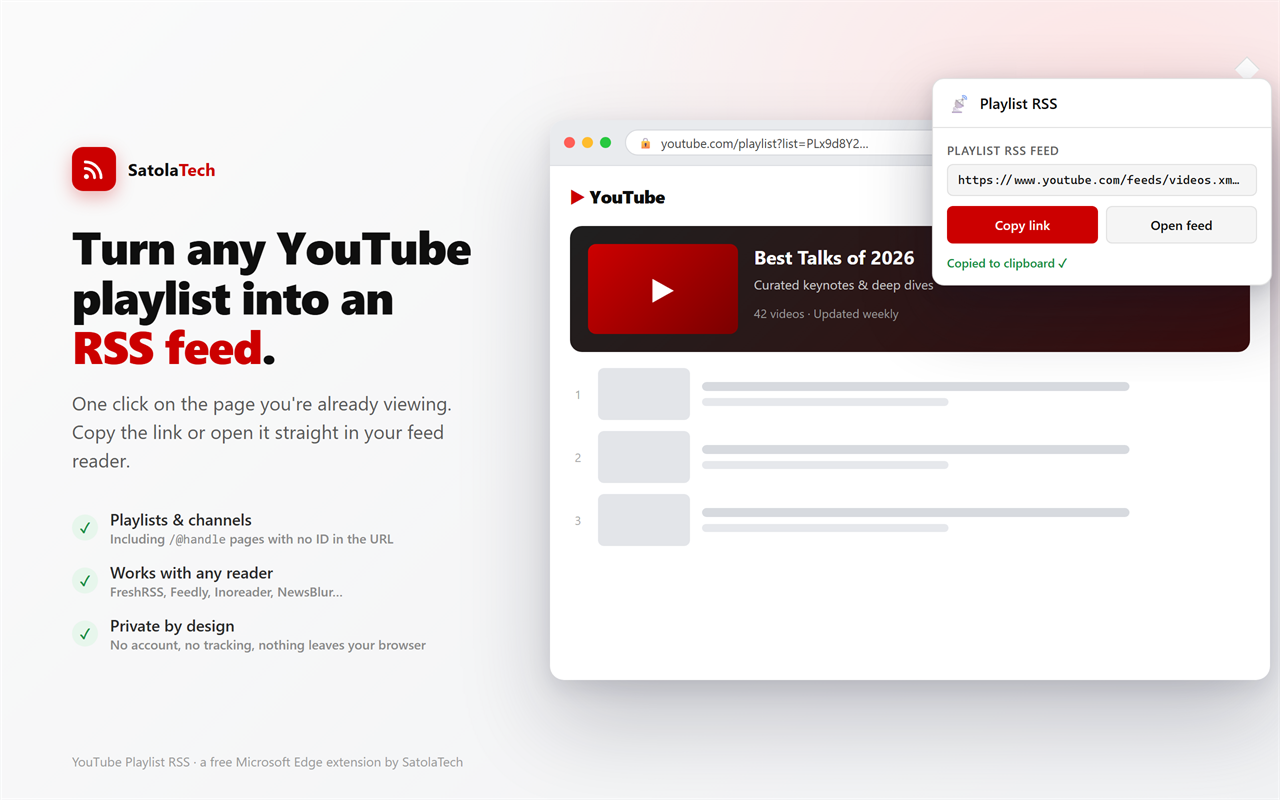
If you’d rather follow YouTube creators from your feed reader than from YouTube’s algorithmic home page, here’s some good news: every public YouTube playlist and channel already has an RSS feed. The catch is that YouTube doesn’t show you the link anywhere. So we built a tiny tool that does.
YouTube Playlist RSS is a free Microsoft Edge extension from SatolaTech. Open a playlist or channel, click the toolbar button, and it hands you the exact RSS feed URL — ready to copy or open in FreshRSS, Feedly, Inoreader, NewsBlur, or whatever reader you use.
The problem it solves
YouTube quietly publishes RSS at addresses like youtube.com/feeds/videos.xml?playlist_id=… and …?channel_id=…. Those feeds are perfect for a reader: no login, no recommendations, no “shorts” you didn’t ask for — just new videos as they’re posted. But to build one of those URLs by hand you need the playlist or channel ID, and YouTube buries it. On modern /@handle channel pages the ID isn’t even in the address bar.
YouTube Playlist RSS digs the ID out for you and assembles the link automatically.
What it does
- Playlists — works on
/playlistpages and while you’re watching a video from a playlist. - Channels — works on
/channel/…pages and on handle/custom URLs like/@SomeChanneland its Videos tab, where it reads the channel ID straight from the page. - One-click output — copy the feed link to your clipboard or open it directly in a new tab.
- Knows its limits — auto-generated lists like Watch Later, Liked Videos, and Mixes are private to your account and have no public feed, so the extension tells you plainly instead of producing a dead link.
How to use it
- Open a YouTube playlist or channel in Edge.
- Click the YouTube Playlist RSS button in your toolbar.
- Hit Copy link, then paste it into your feed reader’s “add subscription” box. (Or click Open feed to view the raw feed.)
That’s the whole workflow. New uploads then show up in your reader automatically.
Pairs nicely with a self-hosted reader
We use it with FreshRSS. Add the YouTube extension to FreshRSS and the feeds this tool generates render as embedded, playable videos right inside your reader — a clean, self-hosted, recommendation-free way to keep up with the channels you actually care about.
Private and open by design
- No account and no sign-in.
- No tracking, no analytics, no ads.
- No data leaves your browser — the link is built locally, and the extension makes no network calls of its own.
- Minimal permissions — it only looks at the current tab when you click the button, and runs nothing in the background.
It’s released under the MIT license. You can read the full privacy policy for the details.
Get it
YouTube Playlist RSS is available for Microsoft Edge (and works in any Chromium browser). Install it from the Microsoft Edge Add-ons store →
Built by SatolaTech. Questions or feedback? Reach us at hello@satola.tech.